Sale/Transaction/Contactless 0 0
Last updated on Jun 23, 2022 02:21 in POS Merchant Training
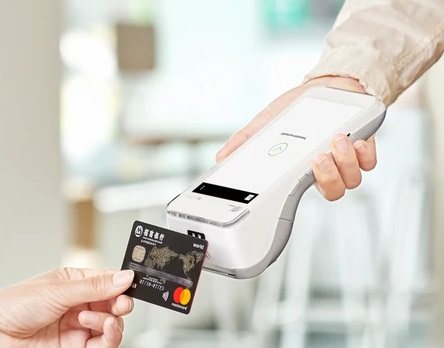
- Open Bank Application
- Wait for the machine to connect to a network automatically
- Press MENU
- Press SALE
- Enter the amount of the transaction
- Press OK
- Tap the customer bank card at the top of the machine
- Request the customer to put his/her secure PIN if the amount exceeds the contactless limit
- Wait for transaction status
- If approved, print the merchant copy and keep it for security reason and ask customer if he requires the customer slip
- If declined, kindly check the reason of decline at the bottom of the transaction slip and proceed accordingly